1. Log into your SiteWorx account. (e.g. www.example.com:2443/siteworx/ )
2. Under SiteWorx Menu, click the Hosting Features menu item if it is not already open.
3. Click on the Softaculous option.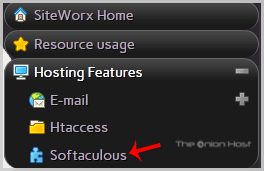
4. SiteWorx will open a Softaculous Interface.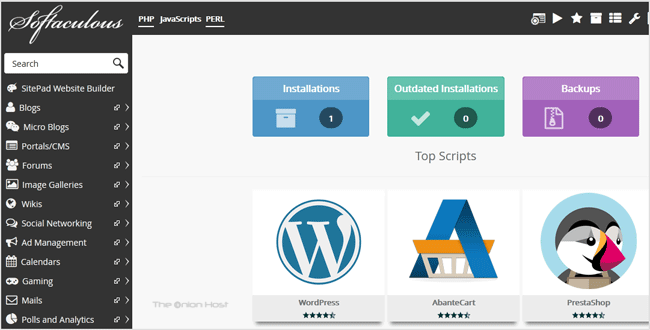
If you want to go back to SiteWorx, click on the Go to Control Panel icon. 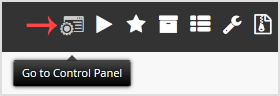
- Home
-
Store
- Browse All
- offshore Shared Hosting
- offshore SSD VPS
- MANAGED offshore VPS
- Windows VPS
- Customizable Dedicated Servers in EU
- Pre-Built OFFSHORE dedicated servers
- Offshore Dedicated Servers
- offshore Streaming Servers
- Netherlands Offshore Dedicated Servers
- Website Builder
- Register a New Domain
- Transfer Domains to Us
- Announcements
- Knowledgebase
- Network Status
- Affiliates
- Contact Us
-
More